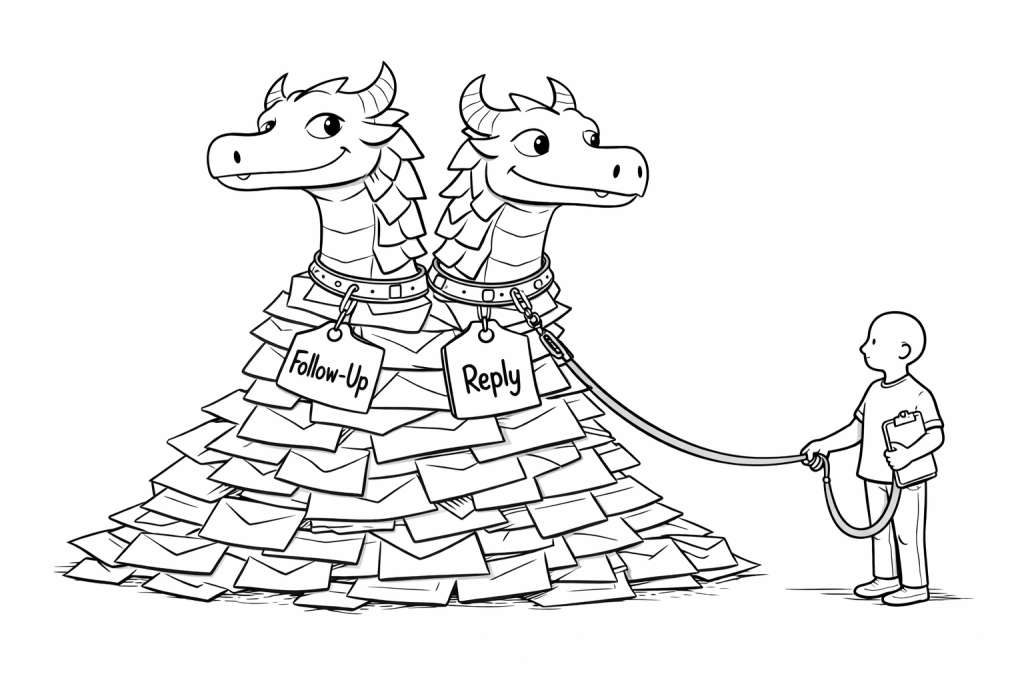
My recent posts about “the email beast” and “email labelling” (see below) have been paving the way for this post that shows how I use email labelling and filtering together to create bookmarked dashboards.
Labelling brought order, but it did not change how I began the day. I was still opening my inbox and scanning.
What shifted things for me was not a new label, but a saved search.
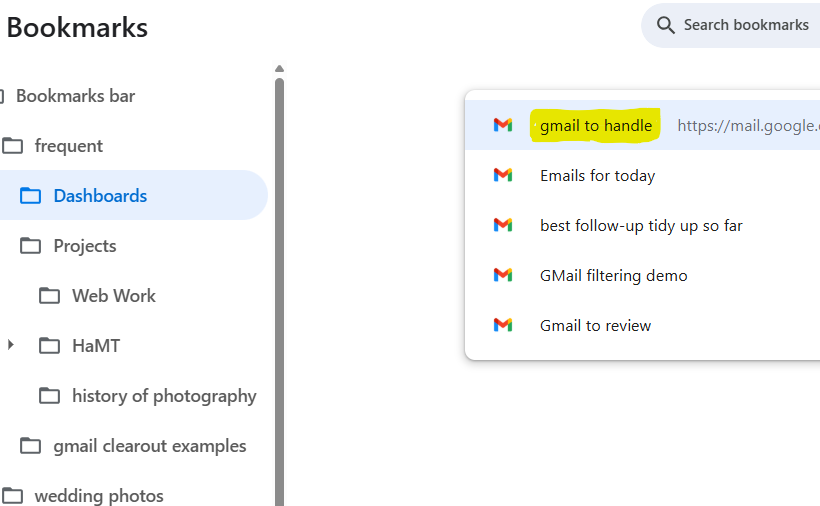
Over time, I built search expressions that gather together the messages most likely to require my attention. Instead of starting with the whole inbox, I now start with that one view.
What my most frequently used dashboard Includes
• Unread messages in Primary
• Unread Forum activity
• Drafts I am working on
• Items labelled Follow-Up
• Items labelled Ongoing Topic
• Items labelled Today
The Follow-up label is something that get applied automatically on arrival
The “Today” label is something I apply manually. If I decide that a message should be part of tomorrow morning’s starting point, I add that label. It gives me a small sense of control over what will greet me.
Some of these streams arrive automatically. Others reflect deliberate choice.
That mixture matters.
How It Looks Behind the Scenes
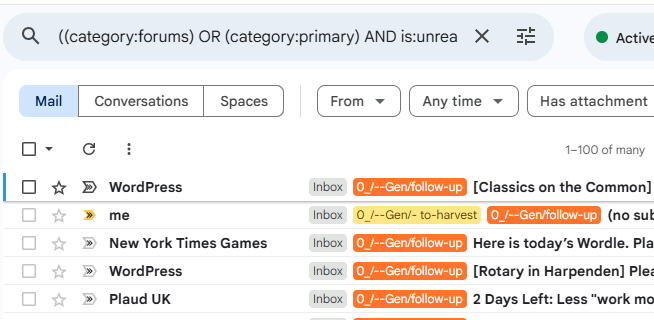
The main search expression currently looks like this:
(category:forums AND is:unread) OR (category:primary AND is:unread)
OR in:drafts
OR label:0_gen-follow-up
OR label:0_gen-ongoing_topic
OR label:0_gen—today
It did not begin that way.
Originally, it was much simpler, then more complex, and now it’s just about right. Over time, I added pieces as I noticed patterns in what I kept looking for each morning. I coloured the labels to indicate urgency, importance etc.
When building a search expression, If the brackets get complicated, I sometimes draft the expression in a text editor that highlights matching brackets first. That is simply to make sure it behaves as expected. Now that I’ve settled on a set of searches that are pretty stable I don’t imagine I’ll be needing to do that again any time soon.
What Changed
The practical difference is small but noticeable.
I no longer begin by asking, “What is in my inbox?”
I begin by opening a bookmarked search.
It presents:
• New incoming attention
• Work already in progress
• Messages I have consciously marked
The Beast has not disappeared. It is simply contained within a defined surface.
That small change has reduced scanning and re-reading more than I expected.
Where This Sits
Labelling provides structure.
Routing filters move messages quietly into place.
This dashboard provides a starting point for my daily work.
It grew gradually. It continues to evolve.
For now, it is the screen I open first each morning.
Living with reduced cognitive capacity has made me more aware of how much effort simple scanning can take. What once felt like a minor irritation now feels like measurable strain. Beginning the day with a prepared surface — rather than an open flood — reduces that strain.
The Beast is still there.
It simply no longer sets the tone.


Leave a comment