Half a Mind to ..

Life after brain injury – one small victory at a time.

Tag: cognitive load

  • A Daily Email Dashboard (Strategy 159)

    A Daily Email Dashboard (Strategy 159)


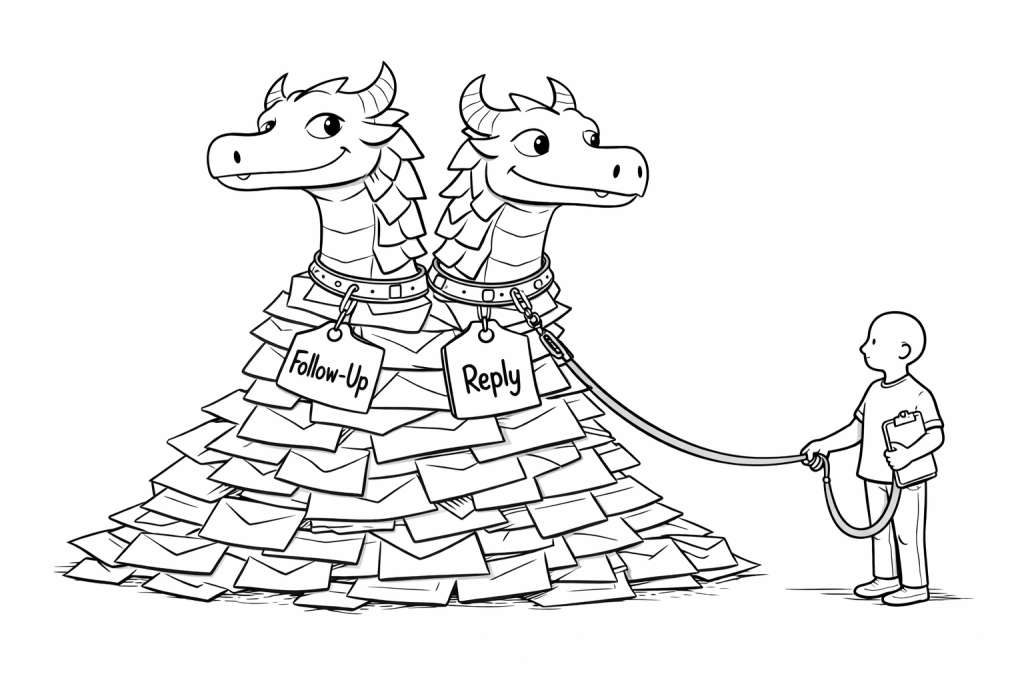
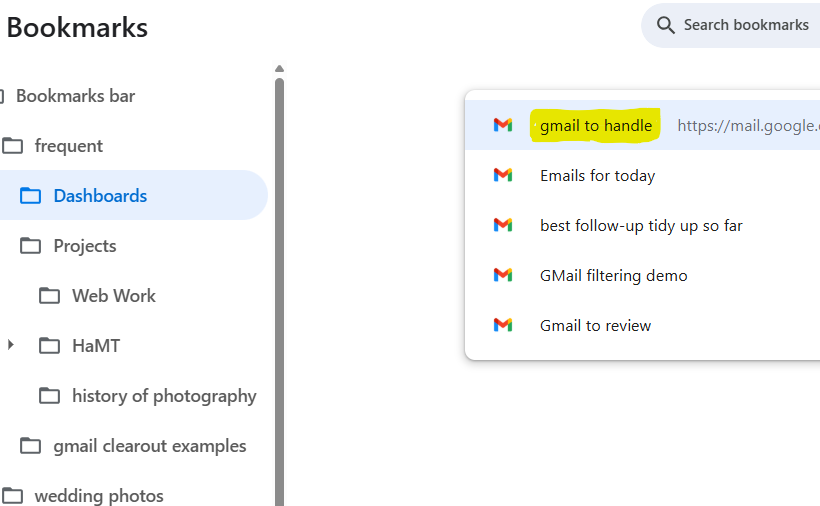
    My recent posts about “the email beast” and “email labelling” (see below) have been paving the way for this post that shows how I use email labelling and filtering together to create bookmarked dashboards.

    Labelling brought order, but it did not change how I began the day. I was still opening my inbox and scanning.

    What shifted things for me was not a new label, but a saved search.


    Over time, I built search expressions that gather together the messages most likely to require my attention. Instead of starting with the whole inbox, I now start with that one view.

    What my most frequently used dashboard Includes


    • Unread messages in Primary
    • Unread Forum activity
    • Drafts I am working on
    • Items labelled Follow-Up
    • Items labelled Ongoing Topic
    • Items labelled Today

    (more…)
  • A Simple Counting Strategy for Getting to Sleep (strategy 078)

    A Simple Counting Strategy for Getting to Sleep (strategy 078)

    For a long time, getting to sleep was less about tiredness and more about what my mind chose to do when the lights went out. Thoughts would arrive uninvited — sometimes anxious ones, sometimes creative ones. Ideas, phrases, connections. Perfectly reasonable thoughts, just turning up at the wrong time.

    What I needed was not silence, but less space for those thoughts.

    The basic method

    The core of the strategy is simple.

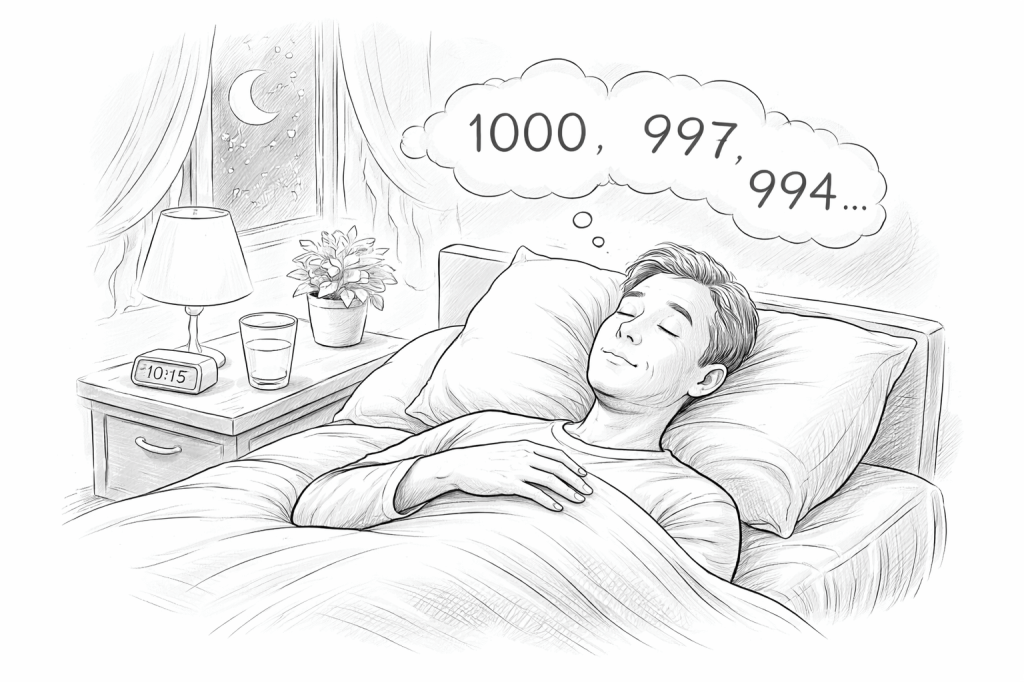
    I begin at 1000 and slowly subtract 3 each time:
    1000, 997, 994, 991, and so on.

    (more…)
  • What’s in this image? (Strategy 150)

    What’s in this image? (Strategy 150)

    When information comes to you as an image rather than words, maybe in a social media post, it can feel harder to know where to start. One simple approach is to paste the image into an AI tool and type in your questions — what the image shows, what text it contains, and what might reasonably be inferred from it. This can help turn something visual and vague into something more concrete and manageable.

    What is both subtle and amazing about this is that the computer isn’t being given a text document to interpret, it’s having to decipher the contents that have been presented as a flat graphic. There’s no real “text“ in the image, it’s our brains that are deciphering what being presented. It’s only very recently that computers can regularly be asked to perform this kind of image interpretation operation with speed, accuracy, and reliable results.


    Related Posts

    Scenario 020 shows how this works in practice.