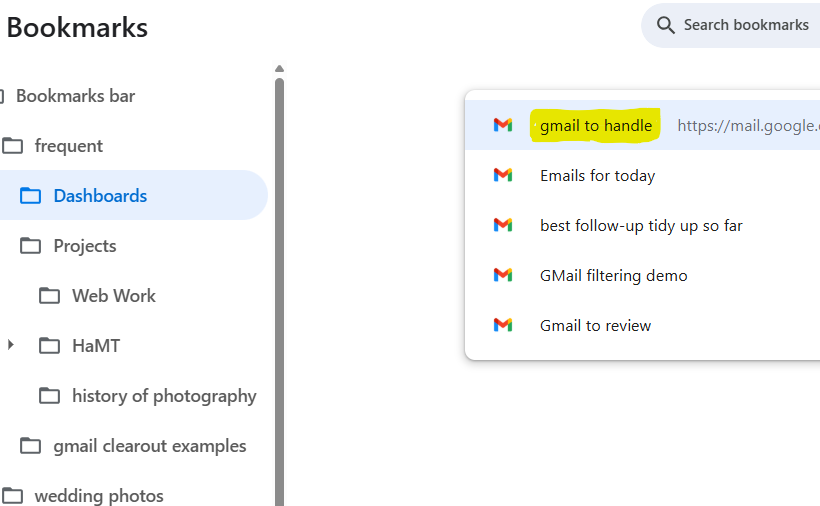
My recent posts about “the email beast” and “email labelling” (see below) have been paving the way for this post that shows how I use email labelling and filtering together to create bookmarked dashboards.
Labelling brought order, but it did not change how I began the day. I was still opening my inbox and scanning.
What shifted things for me was not a new label, but a saved search.
Over time, I built search expressions that gather together the messages most likely to require my attention. Instead of starting with the whole inbox, I now start with that one view.
What my most frequently used dashboard Includes
• Unread messages in Primary • Unread Forum activity • Drafts I am working on • Items labelled Follow-Up • Items labelled Ongoing Topic • Items labelled Today
The purpose of this strategy is simple: to reduce cognitive load and anxiety by making emails easier to recognise, defer, and return to later — without relying on memory.
In my earlier post, The Email Beast , I described how email can quietly become overwhelming. Messages arrive faster than they can be dealt with, important ones get lost in the noise, and under fatigue it’s hard to trust memory or sequencing.
This strategy is about making email kinder to deal with.
I think of labels as signposts, not filing cabinets. I’m not describing the email in detail; I’m marking what kind of attention it needs from me, later on. In that sense, I’m labelling for my future attention, not for neatness.
Because of that, the labels need to be simple. They rarely change. Most importantly, they still make sense when energy is low. They don’t demand fine judgement or extra decision-making at the very moment when that’s hardest.
Here’s an example of a small, stable label set:
Follow-up — requires action from me
Waiting — I’m expecting something back
Reference — useful later, not urgent
Done — handled, but worth keeping
The aim here is not a tidy inbox. It’s being able to recognise what needs attention without rereading everything.
One quiet benefit of this approach is that the built-in read/unread indicator — with its foreboding unread count — becomes much less important. For me, the Follow-up label takes over that role. It’s subtle, but it makes email feel less accusatory.
Labelling really comes into its own when combined with filtering, both automatic (on arrival) and manual within your email client. I’ll describe that side of things in a future post.
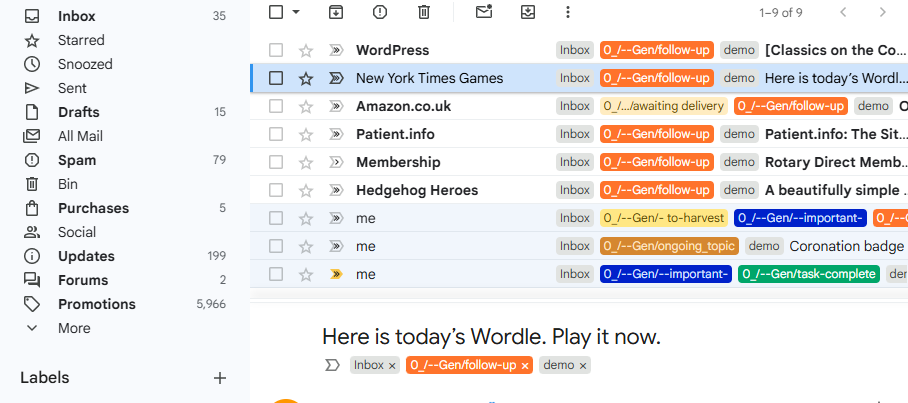
The screenshot below shows a simplified selection from my own inbox. Sharp-eyed readers will notice that my real-world labels don’t yet fully match the tidy scheme above. That’s deliberate honesty. My existing setup grew over time and became unwieldy, and I’m in the process of simplifying it. I may tell the full, nerdy back-story another day.
One final point matters more than any of the above:
Labelling on first reading helps, even if you do nothing else
Labelling is a form of progress
It is perfectly acceptable to label an email and close it
There are days when email feels like a friendly tool. A note from a friend, a reminder of something pleasant, a quiet nudge about a parcel in the post.
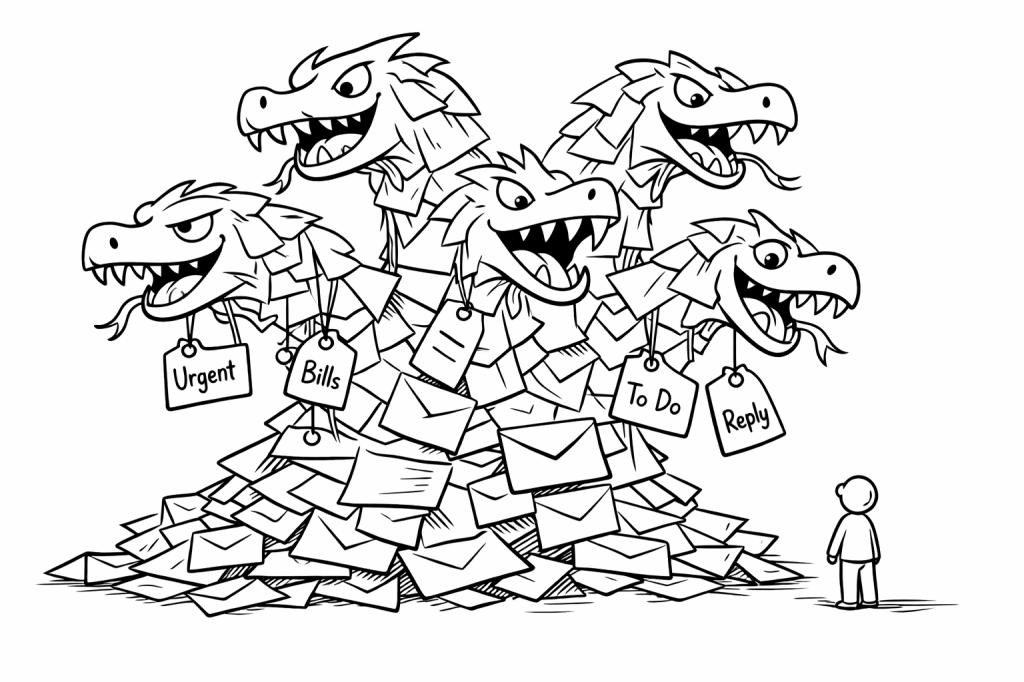
But more often than not, it turns into something far larger. For me, it often feels like a living creature — growing, demanding, and constantly calling for attention. One unanswered message becomes two. Two become twelve. Before long, the inbox stops being a place I visit, and becomes a shadow that follows me around the day.
Part of the difficulty is my brain injury and stroke. I no longer read, remember, and respond to messages in the effortless way I once did. If I skim an email and move on, there’s a fair chance I’ll forget it entirely. If I leave it unread, the number sitting in red starts to climb — and with it, a knot of anxiety tightens.
And the truth is, email isn’t just “email.” It’s:
appointments I mustn’t miss
bills that need attention
tasks that require thinking
parcels on their way
messages from people I care about
and endless newsletters that I never asked to receive
All of these live together in one place, and my brain struggles to tell them apart.
So the “email beast” isn’t imaginary. It’s the very real feeling that I am being asked to hold far more in my head than I have space for. And the cost — when things get missed, forgotten, or muddled — is frustration, guilt, and sometimes embarrassment.
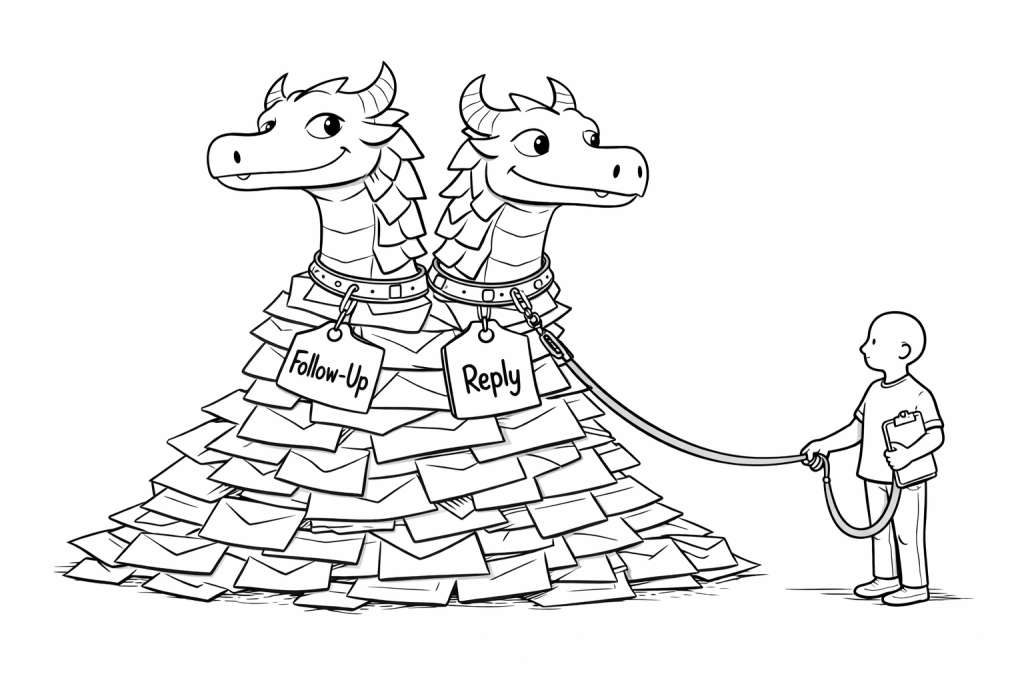
But naming a challenge is the first act of taming it. In the next few posts I’ll share the methods, workarounds and habits that are helping me bring this beast to heel — slowly, gently, and in a way that suits the brain I now have.

 Half a Mind to ..