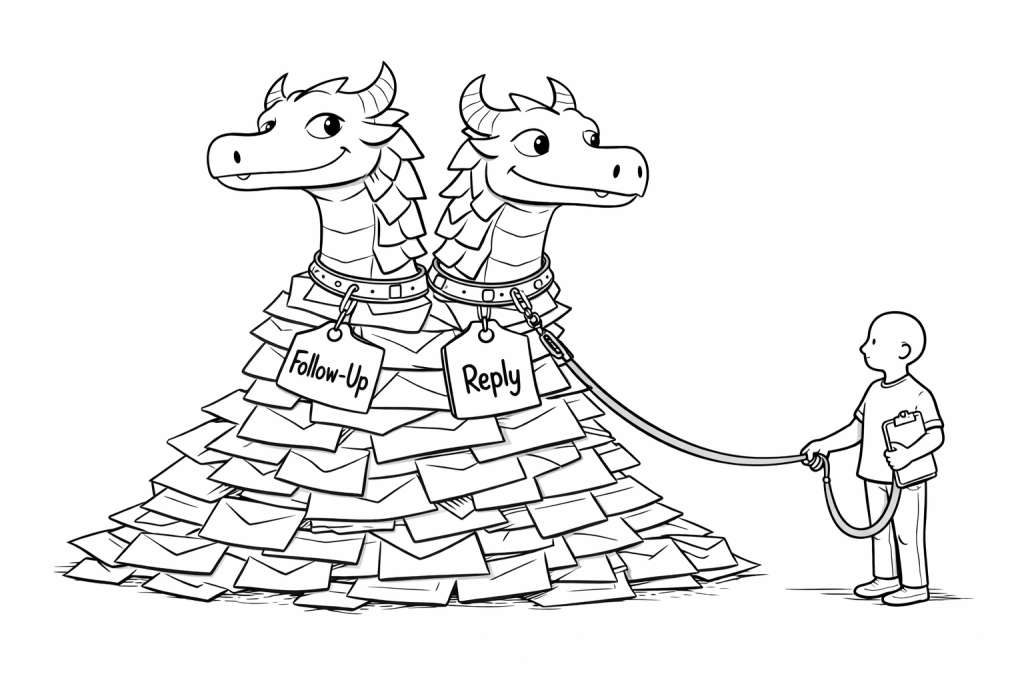
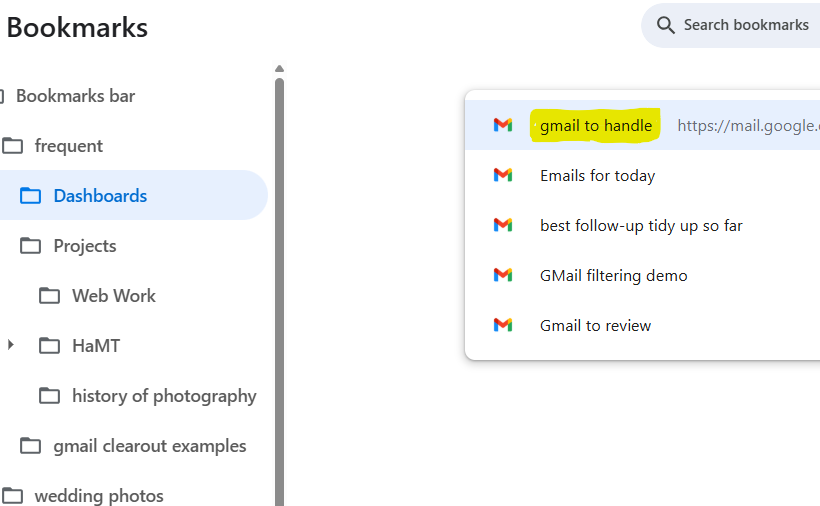
My recent posts about “the email beast” and “email labelling” (see below) have been paving the way for this post that shows how I use email labelling and filtering together to create bookmarked dashboards.
Labelling brought order, but it did not change how I began the day. I was still opening my inbox and scanning.
What shifted things for me was not a new label, but a saved search.
Over time, I built search expressions that gather together the messages most likely to require my attention. Instead of starting with the whole inbox, I now start with that one view.
What my most frequently used dashboard Includes
• Unread messages in Primary • Unread Forum activity • Drafts I am working on • Items labelled Follow-Up • Items labelled Ongoing Topic • Items labelled Today
The purpose of this strategy is simple: to reduce cognitive load and anxiety by making emails easier to recognise, defer, and return to later — without relying on memory.
In my earlier post, The Email Beast , I described how email can quietly become overwhelming. Messages arrive faster than they can be dealt with, important ones get lost in the noise, and under fatigue it’s hard to trust memory or sequencing.
This strategy is about making email kinder to deal with.
I think of labels as signposts, not filing cabinets. I’m not describing the email in detail; I’m marking what kind of attention it needs from me, later on. In that sense, I’m labelling for my future attention, not for neatness.
Because of that, the labels need to be simple. They rarely change. Most importantly, they still make sense when energy is low. They don’t demand fine judgement or extra decision-making at the very moment when that’s hardest.
Here’s an example of a small, stable label set:
Follow-up — requires action from me
Waiting — I’m expecting something back
Reference — useful later, not urgent
Done — handled, but worth keeping
The aim here is not a tidy inbox. It’s being able to recognise what needs attention without rereading everything.
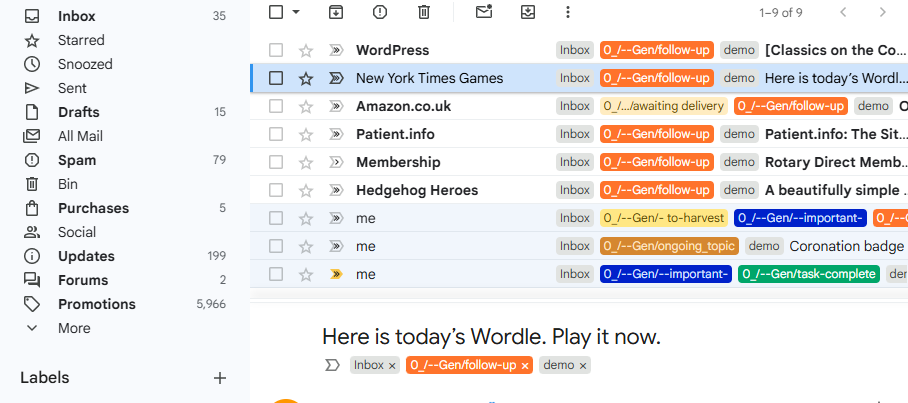
One quiet benefit of this approach is that the built-in read/unread indicator — with its foreboding unread count — becomes much less important. For me, the Follow-up label takes over that role. It’s subtle, but it makes email feel less accusatory.
Labelling really comes into its own when combined with filtering, both automatic (on arrival) and manual within your email client. I’ll describe that side of things in a future post.
The screenshot below shows a simplified selection from my own inbox. Sharp-eyed readers will notice that my real-world labels don’t yet fully match the tidy scheme above. That’s deliberate honesty. My existing setup grew over time and became unwieldy, and I’m in the process of simplifying it. I may tell the full, nerdy back-story another day.
One final point matters more than any of the above:
Labelling on first reading helps, even if you do nothing else
Labelling is a form of progress
It is perfectly acceptable to label an email and close it
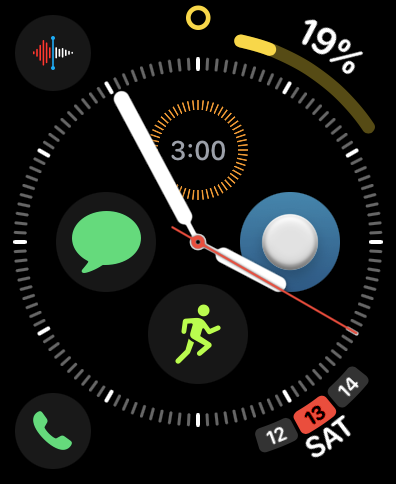
Almost everybody has become used to the power of the smartphone in their pocket. Yet many people could benefit even more from using a smart watch alongside it, if they only knew how much it can help — particularly those coping with disabilities or recovering from brain injury.
For me, the combination of iPhone and Apple Watch has been revolutionary. Together, they help me several times every hour, every day.

 Half a Mind to ..